


 (+265)994444455
 payments@onekhusa.com

Natswitch

1%
Connect your business to Malawi's national payment switch through OneKhusa.
- VAT 17.5% on Pay Out
- Levy 0.05% on Pay Out
- Bank convenience fee MWK700.00
- Wallet convenience fee MWK200.00
- 24/7 payout
We'd love to hear from you! Whether you have a question about our services or just want to say hello, feel free to send us a message.
OneKhusa provides businesses with flexible payment solutions designed for local collections, mobile money transactions, disbursements, and international e-commerce payments. Choose the payment rail that best fits your business requirements.
1%
Connect your business to Malawi's national payment switch through OneKhusa.
2.5%
Push payment requests to mobile wallets and disburse at the same percentage rate.
2.5%
Accept Visa and Mastercard so you can serve customers beyond Malawi.
Natswitch and direct mobile money solve different payer experiences. Choose the rail that matches your checkout and your customers' habits.
See how much it costs for an exact MWK amount.
You'll pay
MWK 0.00
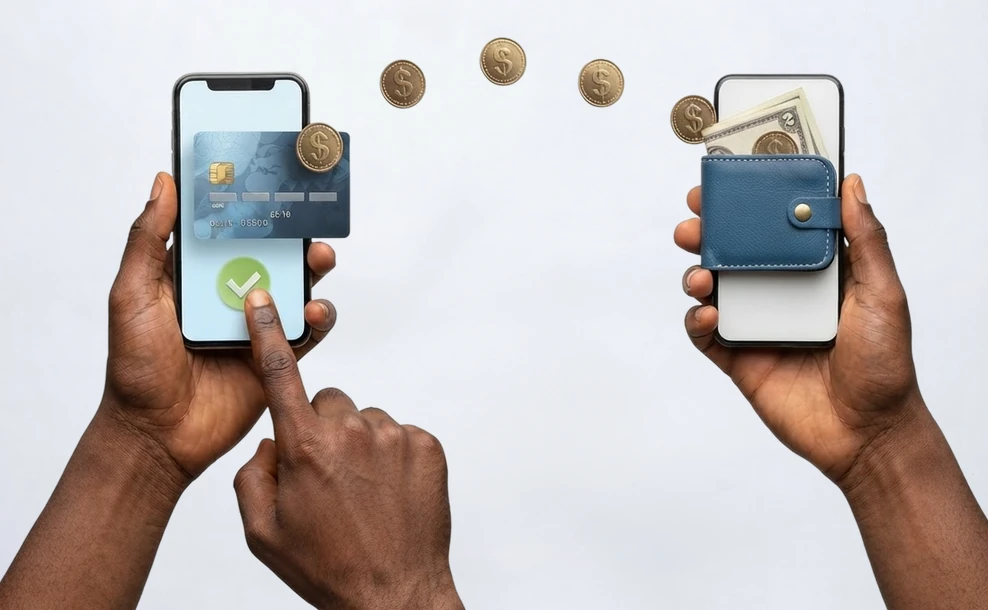
Walk through how customers complete payments on banks and mobile wallets, so you can set expectations before they checkout.
How to payQuick answers to common questions about how payments work on OneKhusa.
Pay In is when a customer sends money to you. Pay Out is when you send money to someone else, such as a supplier, staff member, or beneficiary.
They are different ways money can move. Some customers pay from a bank account; others use a mobile wallet. Listing them separately helps you match the path your checkout actually uses.
It lets you pick a payment path and an amount, then see a clear breakdown for that example before you go live.
Use the How customers pay section on this page, or open the full walkthrough for bank and mobile wallet steps.


